Jump to content
View in the app

A better way to browse. Learn more.

CodyChat Official Forum

A full-screen app on your home screen with push notifications, badges and more.

To install this app on iOS and iPadOS
  1. Tap the Share icon in Safari
  2. Scroll the menu and tap Add to Home Screen.
  3. Tap Add in the top-right corner.
To install this app on Android
  1. Tap the 3-dot menu (⋮) in the top-right corner of the browser.
  2. Tap Add to Home screen or Install app.
  3. Confirm by tapping Install.

2 files

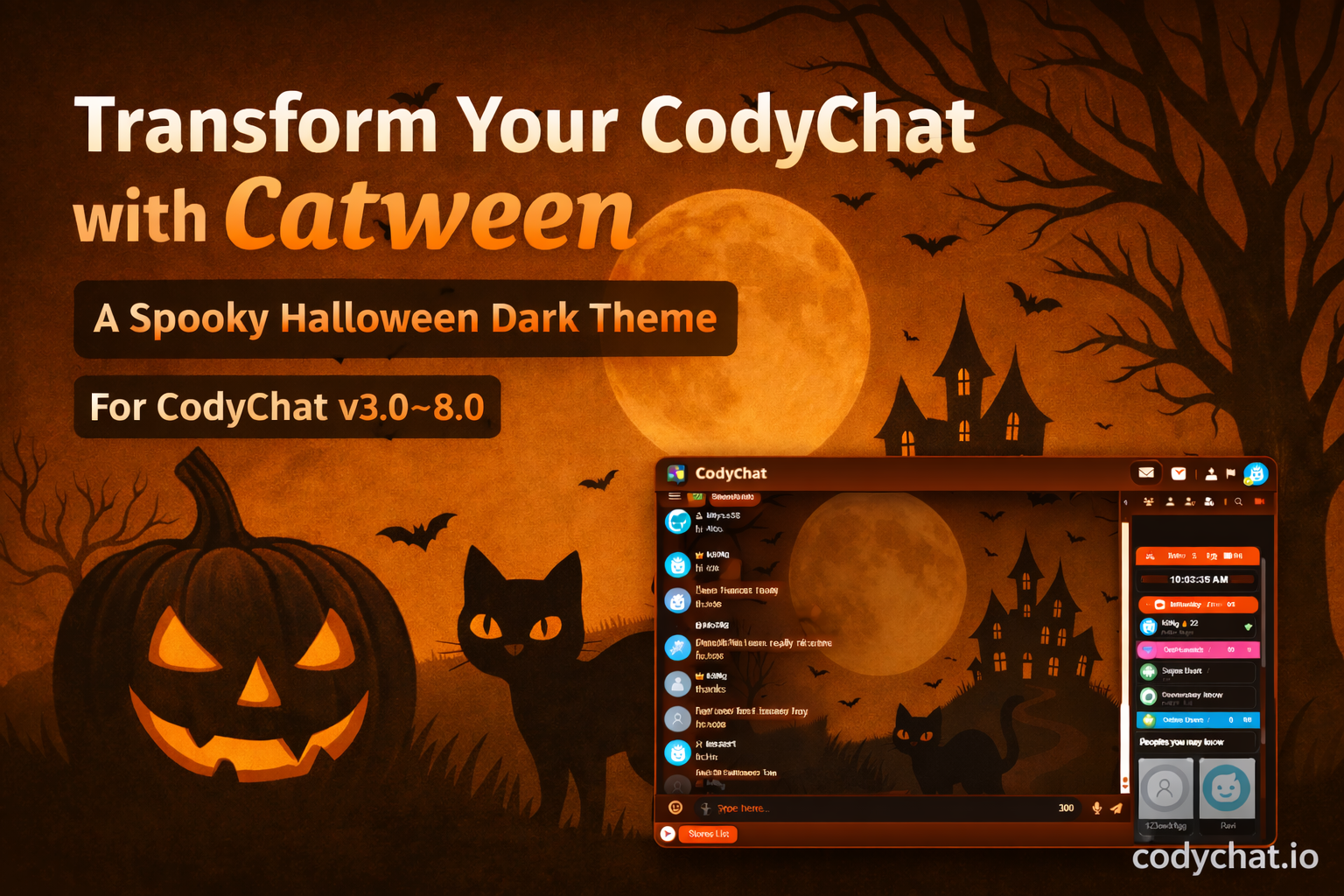
  1. Powerful Features of Catween Theme
    A fully dark interface designed for night-time chatting with minimal eye strain.
    Custom-designed chat bubbles with smooth transparency and glow effects.
    Stylish sidebar gradients
    Elegant top navigation bars
    Smooth hover and transition effects
    Optimized for:
    Desktop
    Tablets
    Mobile devices
    Minimal CSS ensures:
    Fast page loading
    Smooth scrolling
    Lag-free real-time chatting
    • Free
    • 5 Downloads
    Updated
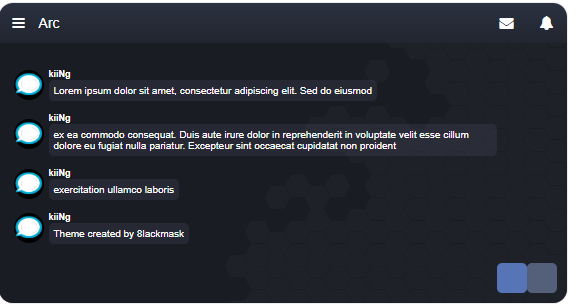
  2. Arc is a beautifully designed CodyChat theme crafted to give your chatroom a fresh, modern, and immersive experience.
    CodyChat themes like Arc integrate seamlessly into your existing installation — simply upload the theme to your themes folder and activate it from your admin panel.
    No advanced technical skills are required!
    With Arc, your members can enjoy a distinctive look and feel, making every chat session more engaging, enjoyable, and visually appealing.
    ⚙️ Key Features
    Seamless integration with CodyChat 9.0+
    Clean and responsive layout
    Easy installation — just upload and activate
    Fully compatible with all CodyChat features
    Designed for a smooth and modern chat experience
    💬 Requirement:
    CodyChat 9.0 or higher
    💡 Tip:
    You can easily customize colors, backgrounds, and branding to match your community’s style for a truly personalized chat environment.

    • Free
    • 4 Downloads
    Submitted

Account

Navigation

Search

Configure browser push notifications

Chrome (Android)
  1. Tap the lock icon next to the address bar.
  2. Tap Permissions → Notifications.
  3. Adjust your preference.
Chrome (Desktop)
  1. Click the padlock icon in the address bar.
  2. Select Site settings.
  3. Find Notifications and adjust your preference.